Import a recipe from TikTok
Send any TikTok cooking video to recipes.im. We pull the spoken steps and the caption together.
TikTok is one of the richest sources for short-form recipes — and one of the trickiest, because the method is usually spoken over the video rather than written down. We transcribe what's said and combine it with the caption. Works in any language — see Recipes in any language.
- 1
Open the recipe video on TikTok
Open TikTok on iPhone and tap into the cooking video you want to save.
- 2
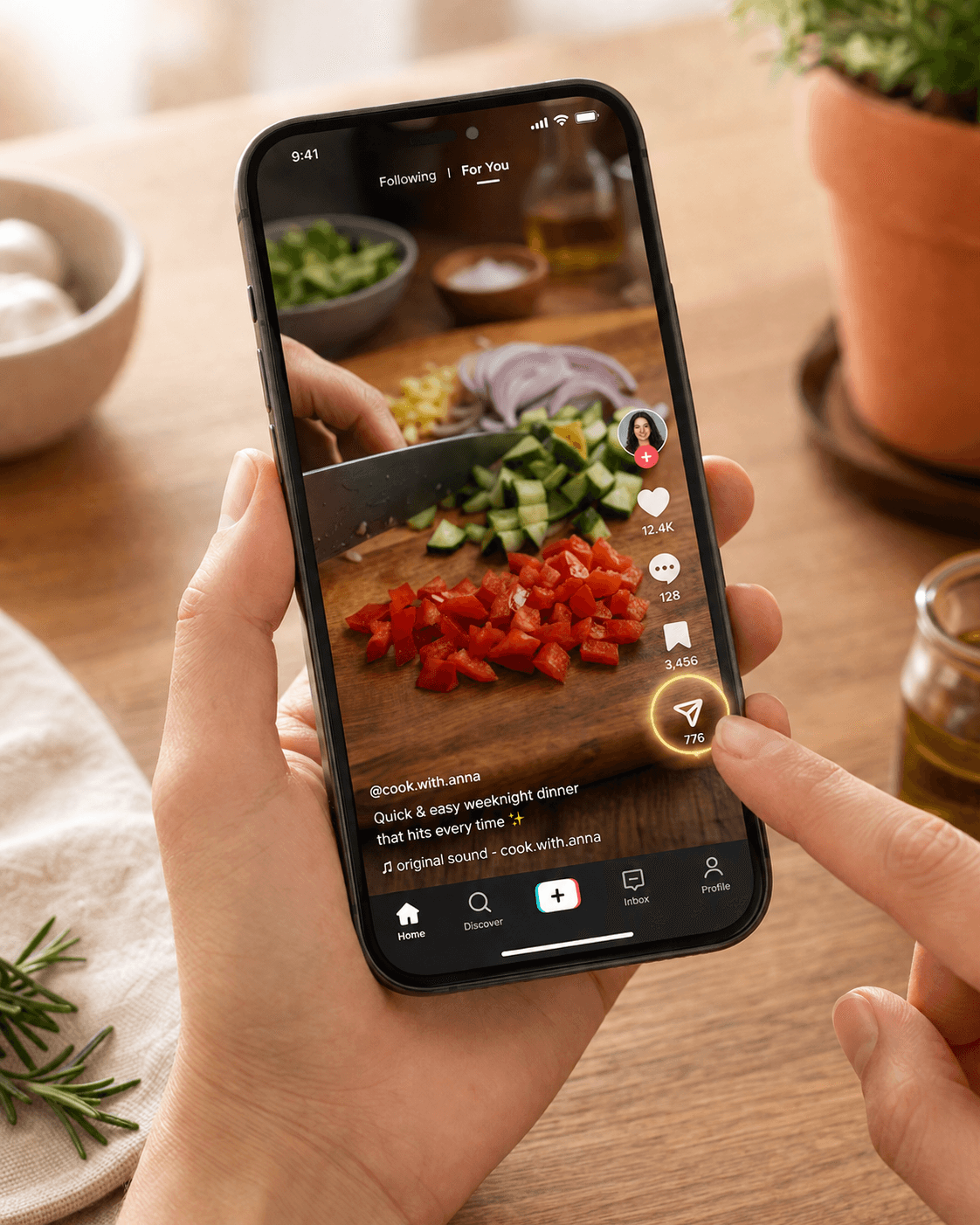
Tap Share, then Send to…
Tap the share arrow on the right side of the video. Scroll the row of icons until you see Share to or More, then pick the iOS share sheet.
- 3
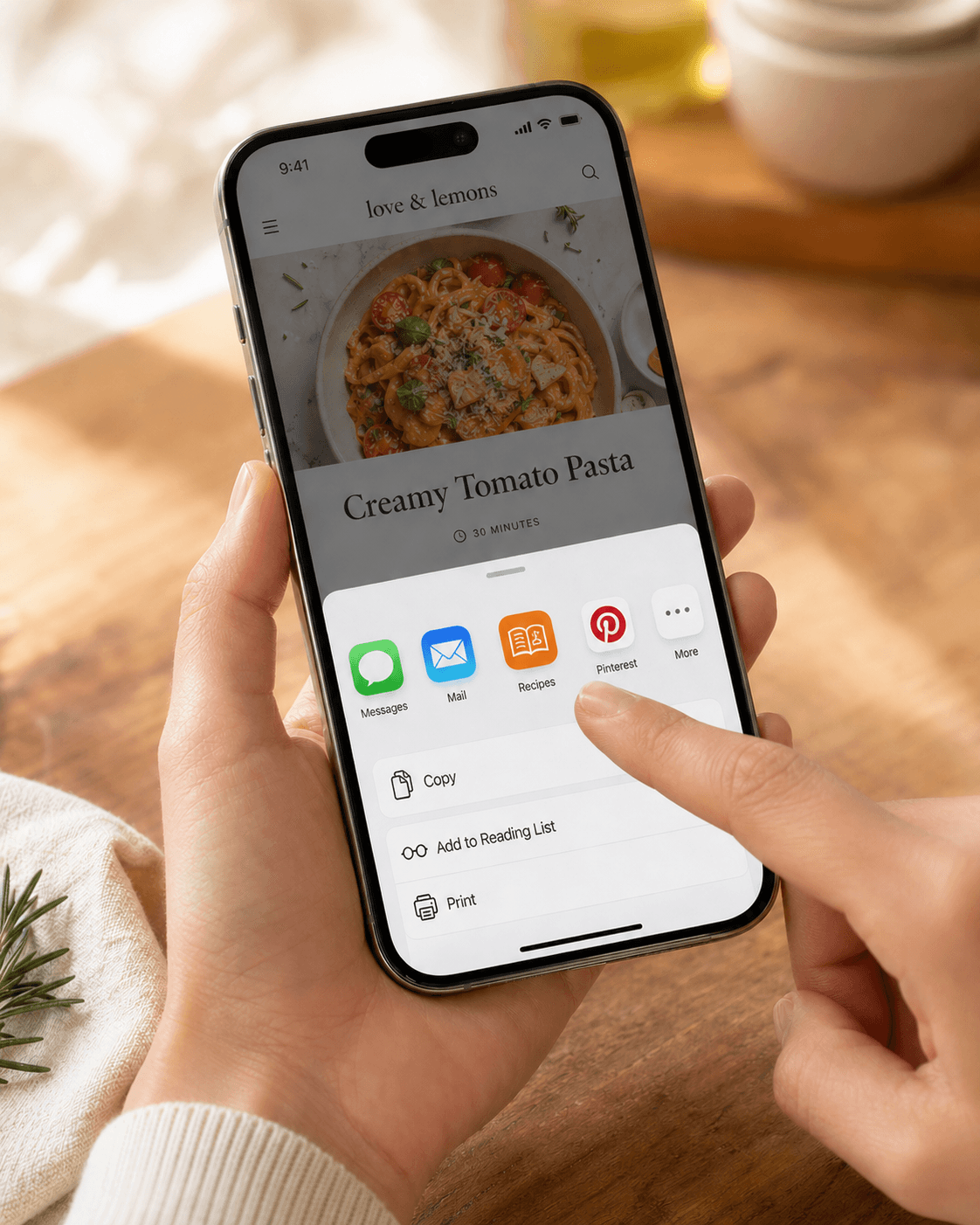
Choose Recipes
Scroll the iOS share sheet to find Recipes. Tap it.
- 4
Wait for the recipe to land
We read the post's caption (the recipe text the creator typed) and shape it into a recipe. You can leave the app while it works — the recipe lands in your library when it's done.
Troubleshooting
The caption was minimal or recipe-light
TikTok recipes where the creator didn't write out the steps in the post text don't carry enough for a clean extract. If they linked a written version in their bio or comments, copy that link and import via Safari instead.
The recipe came out partial
Tap Re-import on the failed recipe to retry. If it still doesn't land, copy the post's caption out and paste it as text — sometimes a manual paste catches what the auto-extractor missed.
Related guides
Send any Instagram Reel or post to recipes.im. We watch the video and read the caption to put together a clean recipe.
Send any YouTube cooking video to recipes.im — full-length episodes, Shorts, or anything in between.
A short tour of what happens between tapping Share and the recipe landing in your library — and the architectural choice that keeps it cheap to run.
Common problems and fixes — failed imports, missing ingredients, scrambled steps, sync issues.