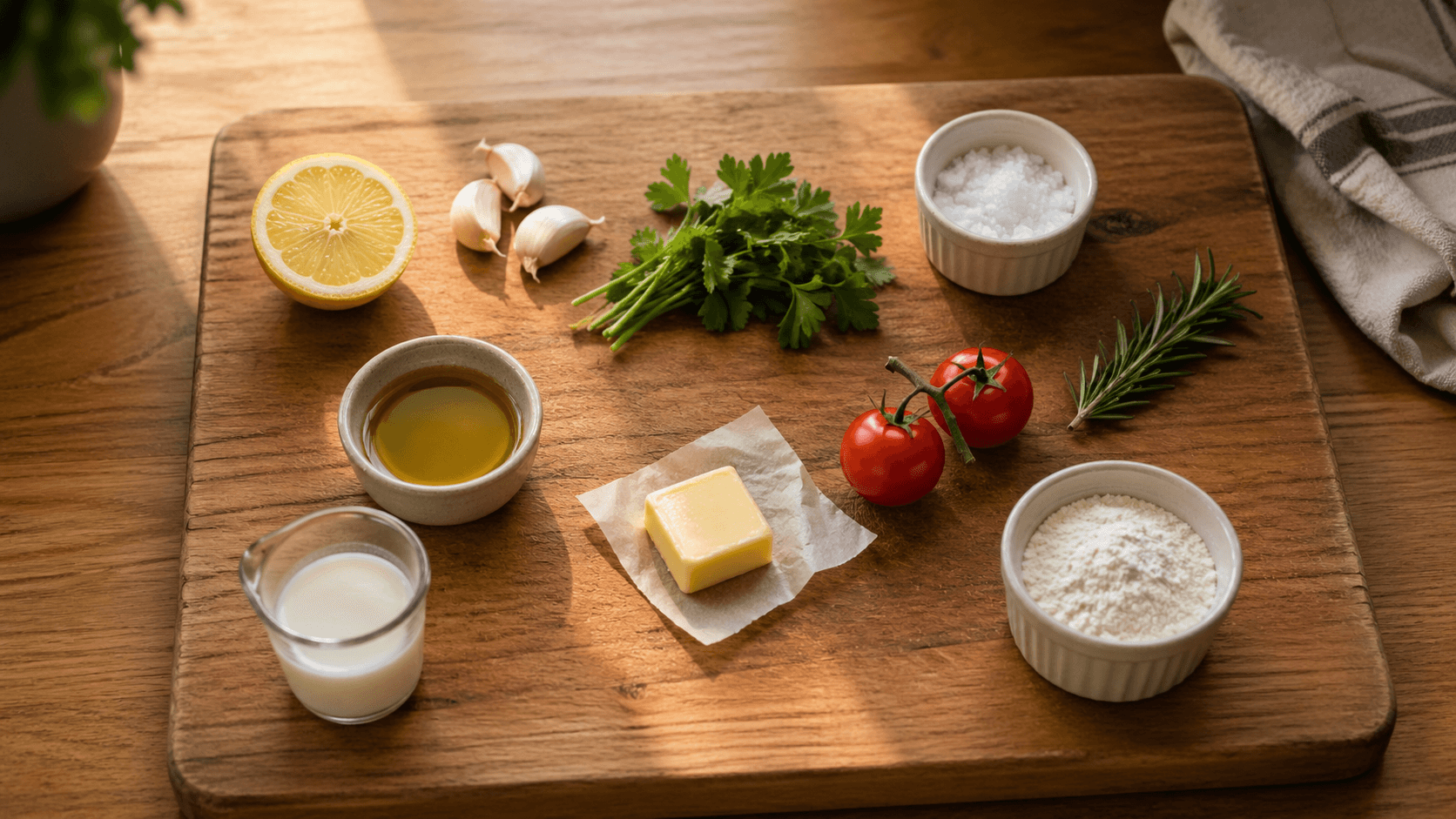
How ingredients are parsed and grouped
Categorization, quantity merging, pluralization, and why your shopping list keeps cups separate from grams.
Most recipe apps treat ingredients as strings of text. We treat them as structured data — quantity, unit, name, modifier — so we can scale, convert, group, and aggregate. That structure is what makes scaling work, what makes the grocery list combine recipes cleanly, and what occasionally produces a mildly opinionated result you didn't expect.
Categorization (the "aisle" tag)
Every ingredient gets tagged with a grocery-store aisle — Produce, Dairy, Pantry, Meat & Seafood, Frozen, Bakery, International, Beverages, etc. The grocery list groups by aisle so you walk the store once instead of zig-zagging.
Behind the scenes, there's a curated dictionary of ~5000 ingredients with a categorizer that prefers the head noun (the rightmost word in English compounds). "Corn oil" → Pantry (it's an oil), not Produce. "Biryani masala powder" → International Foods (matches biryani masala), not Health & Beauty (powder alone).
Quantity merging across recipes
When you add multiple recipes to your meal plan, the grocery list merges quantities of the same ingredient. Three recipes calling for 1 cup of flour become 3 cups of flour on the list — singular, with the count combined.
Merging matches on a cleaned, singularized ingredient name. chopped onion and 1 onion, diced merge as onion. cherry tomatoes and cherry tomato merge. chicken stock and chicken broth don't merge (they're different products).
Pluralization (cooking-domain, not English)
Off-the-shelf libraries pluralize "flour" to "flours" and "broccoli" to "broccolis". Commercially that's correct (a shelf of flours); in a recipe it's wrong. We hand-rolled a cooking-domain pluralizer:
- Mass nouns never inflect — flour, sugar, salt, butter, oil, rice, pasta.
- Plurale tantum never singularize — chives, scissors, glasses (the eyewear/serving kind).
- Counts pluralize normally —
1 onion/2 onions,1 stalk/3 stalks.
Volume vs weight: why the shopping list keeps them separate
If you have two recipes — one calling for 1 cup of butter and another for 200 g of butter — the shopping list shows them as separate entries rather than collapsing them into a single number.
Why? Density-based conversion is good enough to display a recipe's ingredient in your preferred unit, but it isn't precise enough to aggregate across recipes for shopping. The error compounds — sum of approximations is itself approximate, and a kitchen-scale-buying decision wants a real number.
Every other grocery-list app we looked at — Mealie, Tandoor, Paprika, Plan to Eat — drew the same line. Cross-axis stays as separate entries.
On the Aisle tab of the grocery list, ingredients with split entries get an orange chef hat so you know they didn't simply combine. Tap it to see the breakdown — which recipes contributed, and why we kept the units separate.
Density tables (King Arthur first, USDA fallback)
When we do convert volume to weight for a single recipe (because your weighing preference asks for it), we use a curated density table seeded from King Arthur's flour weights and Stella Parks's sugar measurements. USDA is the fallback when our table doesn't have an entry.
USDA is a fallback rather than the primary because some entries are misleading — "cocoa powder" maps to a sweetened hot-chocolate mix, not pure cocoa. The curated table always wins when both have an entry.
Staples — the things you always have
Salt, black pepper, water, olive oil — every recipe asks for them, every kitchen has them. We pre-check these on the grocery list so you don't dismiss the same four lines on every recipe import.
On the Aisle tab, staples that are referenced by your current recipes collapse into a single Staples (N) row at the top of the list. Tap it to see what's pre-checked, with a link through to the chip grid where you toggle which items count as staples for your kitchen.
- Tap a chip to add it to your staples (filled = on, outline = off). The change saves immediately and persists across the household.
- If you've run out of something, uncheck it on the next recipe add — it pops back into the regular aisle list as a real to-buy item, just for that run. The chip stays selected.
- Defaults are conservative — salt, black pepper, water, olive oil. Everything else (soy sauce, garlic, butter, vinegars, etc.) is opt-in via the chip grid.
Clear checked on the grocery list never clears your staples — they're pre-checked because you own them, not because you just bought them.
Expiry dates
Each staple can track an expiry date. Tap a chip in My staples to set one — pick a date from the calendar, and the chip shows a countdown (3d, 2w, 6m). Items within 3 days turn red so you know what to use first.
You can also set expiry dates by voice. Read the date off the packaging — "milk expires June 15th" — or use a relative duration for things like passata or opened cartons — "use within 3 days".
Cookware
Cookware references in the recipe (#large pot, #9-inch baking dish) get pulled out and listed at the top so you can pre-stage what you'll need. They don't appear in the grocery list. Doubling a recipe doesn't double the pan count.
Related guides
How recipes.im handles cups vs grams, US vs Australian tablespoons, and when we weigh solids vs measure them by volume.
How recipes.im handles serving size scaling — and why some ingredients are intentionally fixed, marked with an orange chef hat.
How recipes.im households work — invite codes, shared libraries, and the per-household units-and-conversion settings that drive scaling and grocery aggregation.