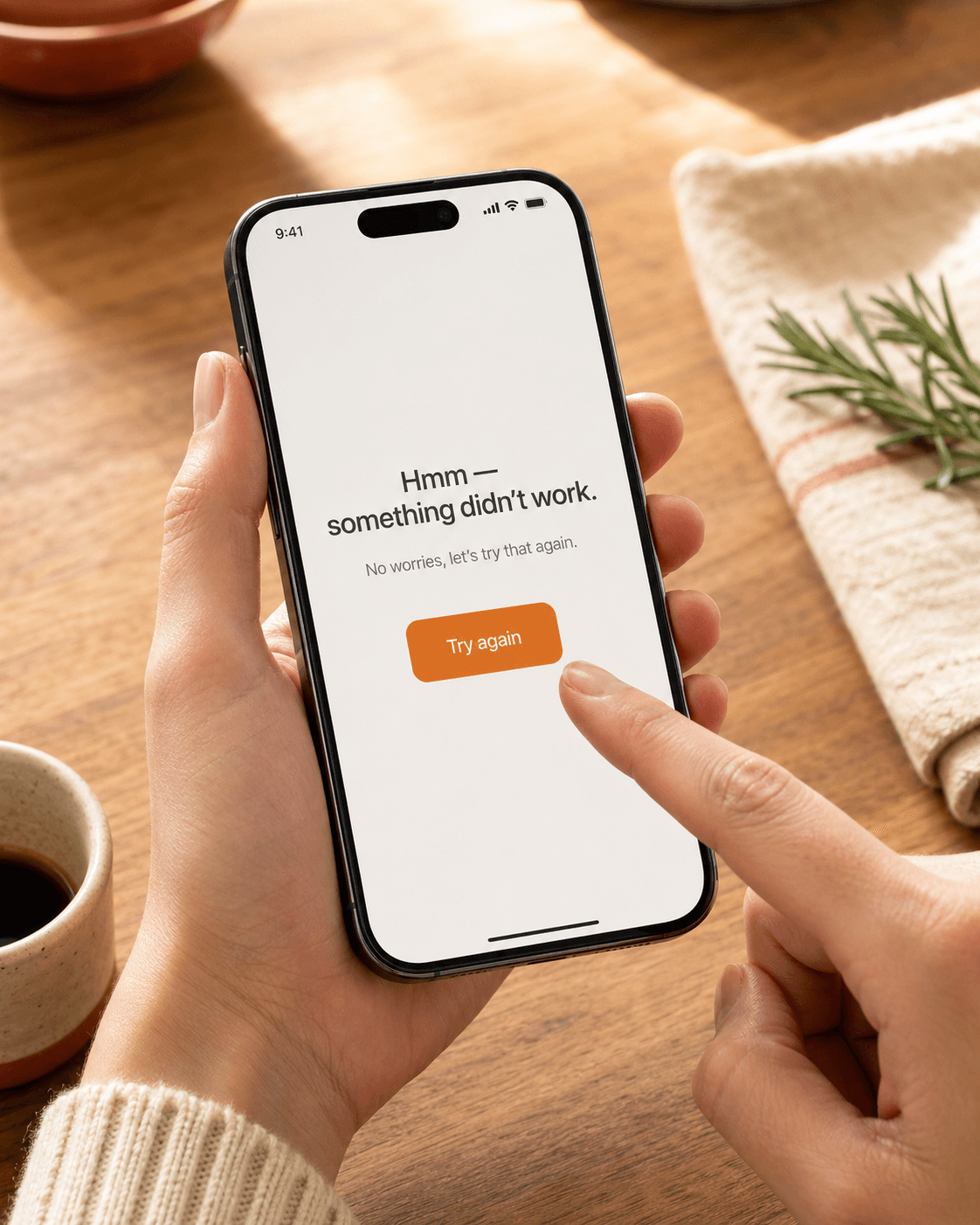
Troubleshooting
Common problems and fixes — failed imports, missing ingredients, scrambled steps, sync issues.
When something doesn't work the way you expected, this page is the first place to look. If your problem isn't here, the recipe import path is the most common source of trouble — see the import section for source-specific tips.
An import failed
On a failed import, open the recipe and check the … menu for a Re-import from source action. Tap it — we re-run the pipeline fresh, which often catches sites that 503'd or returned a chrome-only page on the first try.
If it still fails, the source probably can't be parsed reliably. Workarounds:
- Open the page in Safari, copy the recipe text, and [paste as text](/help/import/text). Bypasses page-loading entirely.
- For Reels and TikToks, copy the caption and paste it. Skip the video pass.
- For paywalled cookbooks or magazines, photograph the page instead.
The recipe imported but ingredients are missing
Most often a website with a "jump to recipe" button — the parser saw the storytelling intro but didn't reach the actual recipe block. Re-import usually catches it on the second pass.
If the source is a video and the spoken steps were vague ("add a glug of olive oil"), we'll write down what was said. You'll need to use your own judgement on quantities when cooking — measure to taste.
The image looks generic or wrong
When the source page didn't have a usable photo, we generate one for the dish. Sometimes the result is generic or doesn't quite match — that's a cost of generation, not a bug.
Why is salt scaled to 4 tsp when I doubled the recipe?
It shouldn't be. Salt should be marked with an orange chef hat and held steady when scaling. If yours wasn't, the import missed the non-scaling marker — re-import the recipe to refresh it.
More on the chef hat in Scaling recipes.
Grocery list shows two entries for one ingredient
If two recipes specified the ingredient in different units (1 cup butter and 200 g butter), they show as separate entries because we don't bridge volume and weight in the shopping list. See Why we keep volume and weight separate.
Sync isn't catching up between phones
Recipes and grocery items sync over the network on app cold-start and periodically while open. If a phone has been offline a while, expect a 10-30 second sync after it comes back. Pull-to-refresh on the Recipes tab forces a sync.
If sync is genuinely stuck, the household menu has a Debug → Debug info entry that shows the schema version, the last sync timestamp, and any sync errors. Screenshot it if you need to send it in.
Something else is wrong
We're a small team and we read everything. The fastest path to a fix is usually a screenshot plus the URL of the recipe that broke — DM us, email, whichever channel got you the app in the first place.
Related guides
Send any recipe link from Safari to recipes.im. Works with food blogs, cooking magazines, and most recipe sites.
How recipes.im handles serving size scaling — and why some ingredients are intentionally fixed, marked with an orange chef hat.
Categorization, quantity merging, pluralization, and why your shopping list keeps cups separate from grams.