Browse all guides
Importing recipes
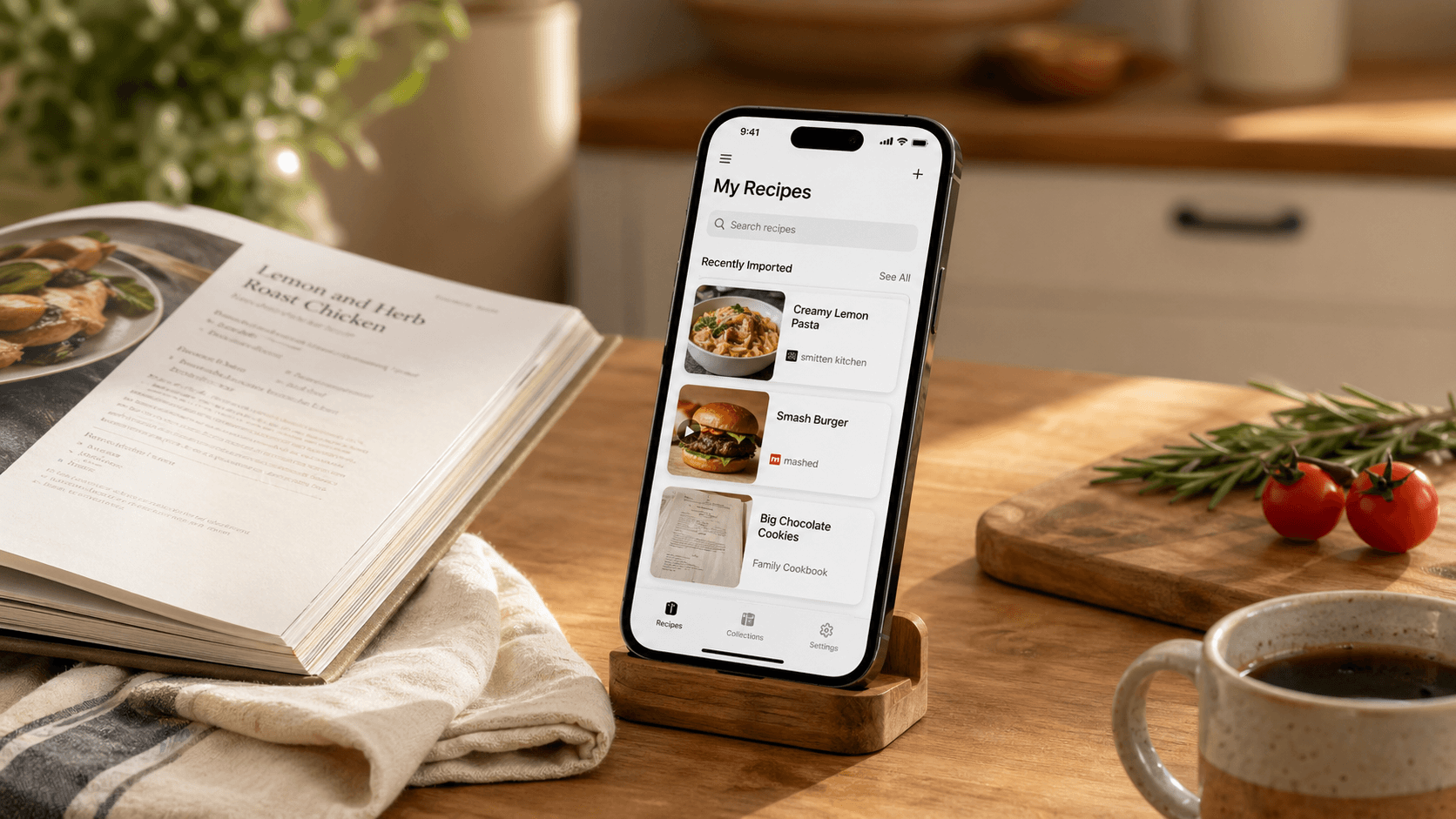
Send a recipe to recipes.im from Safari, Instagram, TikTok, YouTube, Pinterest, or as a photo or pasted text. One short guide per source.
Add recipes
Four ways to import recipes into your library — Camera, Photos, Files, and a paste box for links or text.
Import a recipe from a website
Food blogs, magazines, almost any URL
Import a recipe from Instagram
Reels and feed posts
Import a recipe from TikTok
Cooking videos with spoken steps
Import a recipe from YouTube
Full episodes, Shorts, livestreams
Import a recipe from Pinterest
Pins that link out to a recipe site
Send a recipe from any text app
Notes, messages, screenshots, AI replies
Import recipes from photos
Cookbooks and magazine clippings
How import works under the hood
A short tour of what happens between tapping Share and the recipe landing in your library — and the architectural choice that keeps it cheap to run.
Recipes in any language
Save a Japanese cooking video, an Italian food blog, a Spanish reel — they land in your library in English.